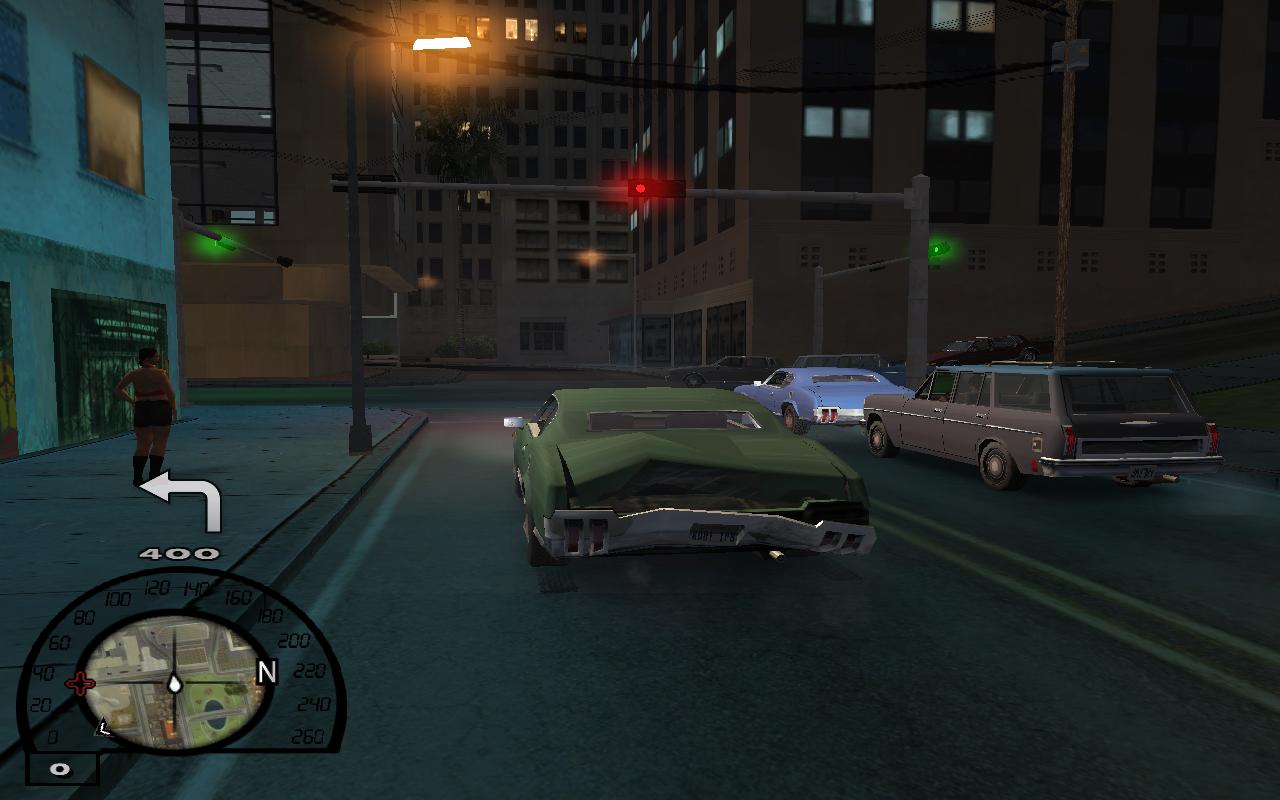
Global Positioning System mod
- What is it?
- Additional downloads
- Installation
- Usage
- Known bugs
What is it?
This mod is a first one, that brings real satelite navigation in SA.
Mod can navigate you straight to target marker position, including leading to highways.
Additional downloads
- Click HERE to download English voices addition
- Click HERE to download Polish voices addition
- Click HERE to download routes.dat addition [last update: 15.10.2010]
Installation
- Extract files from archive to game directory.
- Open gps.ini from CLEO folder and configure mod settings as you want (more information about options in gps.ini file).
- [optional] Download voices and extract them to game directory.
- [optional, but recommended] Download latest routes.dat build and extract it to game directory.
Usage
- Press F12 in vehicle after placing target marker on map to enable GPS. Note that you might have to press that button for about 0.5s.
- Pressing F12 again or getting out of the vehicle will disable mod.
Known bugs
- Sometimes GPS leads are inaccurate (routes.dat updates should solve some of that problems, so please check regularly for updates).
- [only for CLEO3] Voices sometimes gets stuck (enabling and disabling game menu solves it) and they're played unsmooth.
- [only for slow PC's] Voices gets bugged in SA-MP (if you have Dual or Quad Core CPU, then setting gta_sa.exe process to all CPU's should help, it's SA-MP bug).
Made by Silent
GFX art by Spray/Witex15 |