

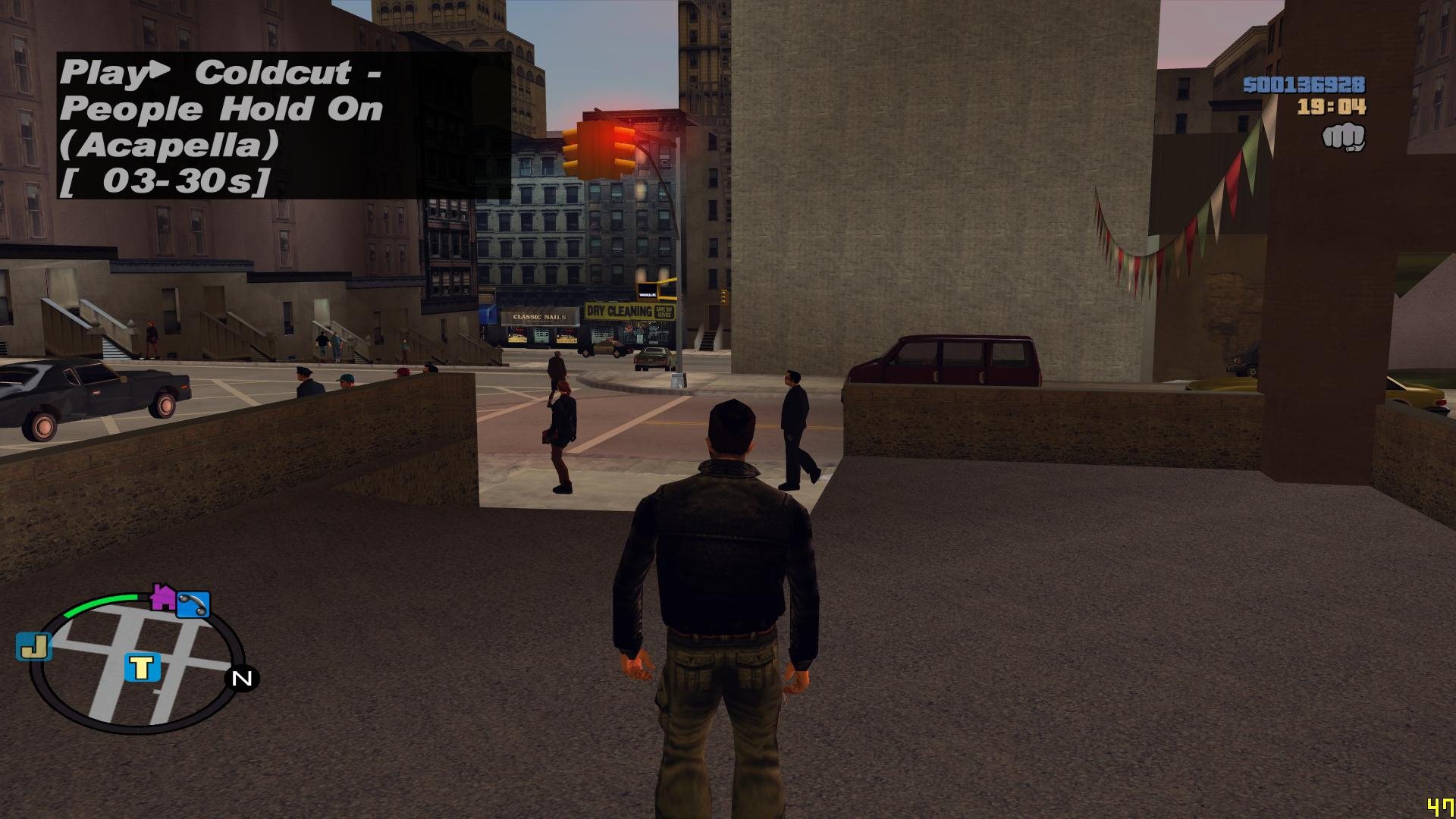
MP3 Player for GTA III
| Information | Screenshot | |||||||||
|---|---|---|---|---|---|---|---|---|---|---|
DownloadDisclaimer: GTAG cannot be held responsible for any user submitted files. | Rating | |||||||||
| ||||||||||
| Title | MP3 Player for GTA III | |||||||||
| Author | ThirteenAG | |||||||||
| Games |  | |||||||||
| Version | 1.0 | |||||||||
| Summary | SA cleo plugin for III and VC | |||||||||
| Rating | 0 (0 votes) | |||||||||
| Submitted | 14 Mar 2011 | |||||||||
| Description |
|---|
| By default the player is controlled by the following keys: CODE [keys] key_on=123 //F12 - toggle player key_prev=120 //F9 - previous track key_next=121 //F10 - next track key_pause=119 //F8 - pause key_shuffle=122 //F11 - shuffle mode (the track will be played randomly) key_end=35 //END - quick exit from game [playlist] C:/Users/13/Music/OST Midnight Club L.A/Electronic/Midnight Madness.mp3 C:/Users/13/Music/GTA4 TBoGT OST/Vice City FM Install: Copy the file radio.asi to the game root directory and radio.ini to CLEO folder. Open the file radio.ini, find the section [playlist] and write the full paths to the MP3 files you want to listen to. Each line should have only one path. Thanks Seemann for San Andreas version of this plugin. |